Celebrate your success and share your achievement with ready-to-use digital assets.
Welcome to your Winners' Dashboard — the place to download your social media templates and email signature banners for the medal you've earned. These assets are designed to help you announce your result across your channels quickly and professionally.
Share your win across Instagram, LinkedIn, Facebook and other platforms.
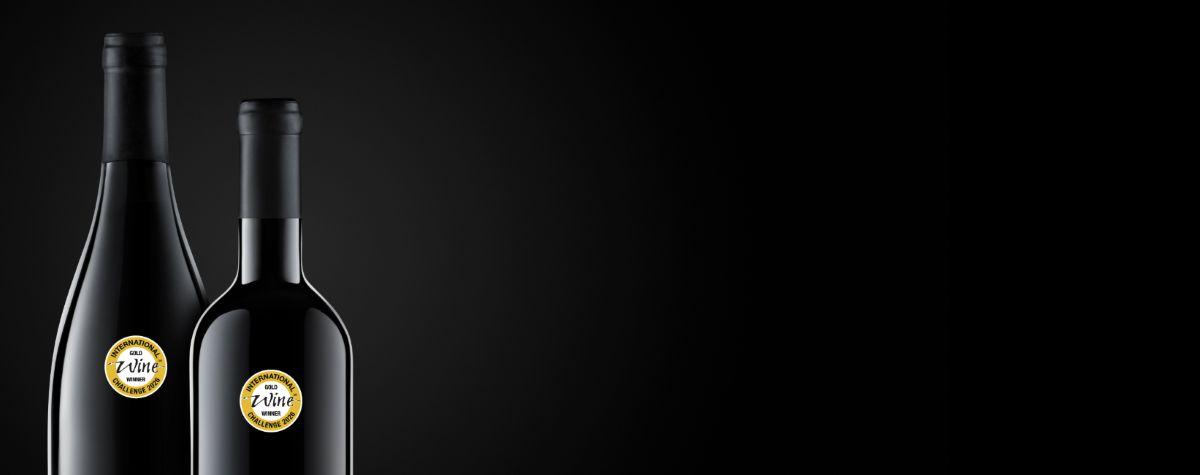
Each template includes your medal level and a dedicated space to add your bottle image.
To use your template:
Download your template:
Tip: Tag @internationalwinechallenge and use #IWC2026 #WineChallenge #IWCMedalWinner to increase visibility.
Carry Your Award Into Every Conversation.
Drop your medal to your everyday communication. These banners are sized for Outlook, Gmail and Apple Mail and work across desktop and mobile. A simple way to keep your IWC success visible in every message.
Download your banner:
How to add to your email signature:
Your official digital certificate is available inside your entrant account (not here on the dashboard). Need support?
If you need help using these assets, contact us at info@iwcevents.com.

Join the world's most prestigious wine competition and gain recognition for your exceptional wines.